


Loading...

Instant Code Compliance with

Smart Ceiling Mount Sensors

Occupancy Sensors, Vacancy Sensors, and Daylighting

Award Winning Innovation

Smart Ceiling Mounted Room Controls and Occupancy Sensors

Leviton Smart Ceiling Mount (Occupancy) Sensors

1
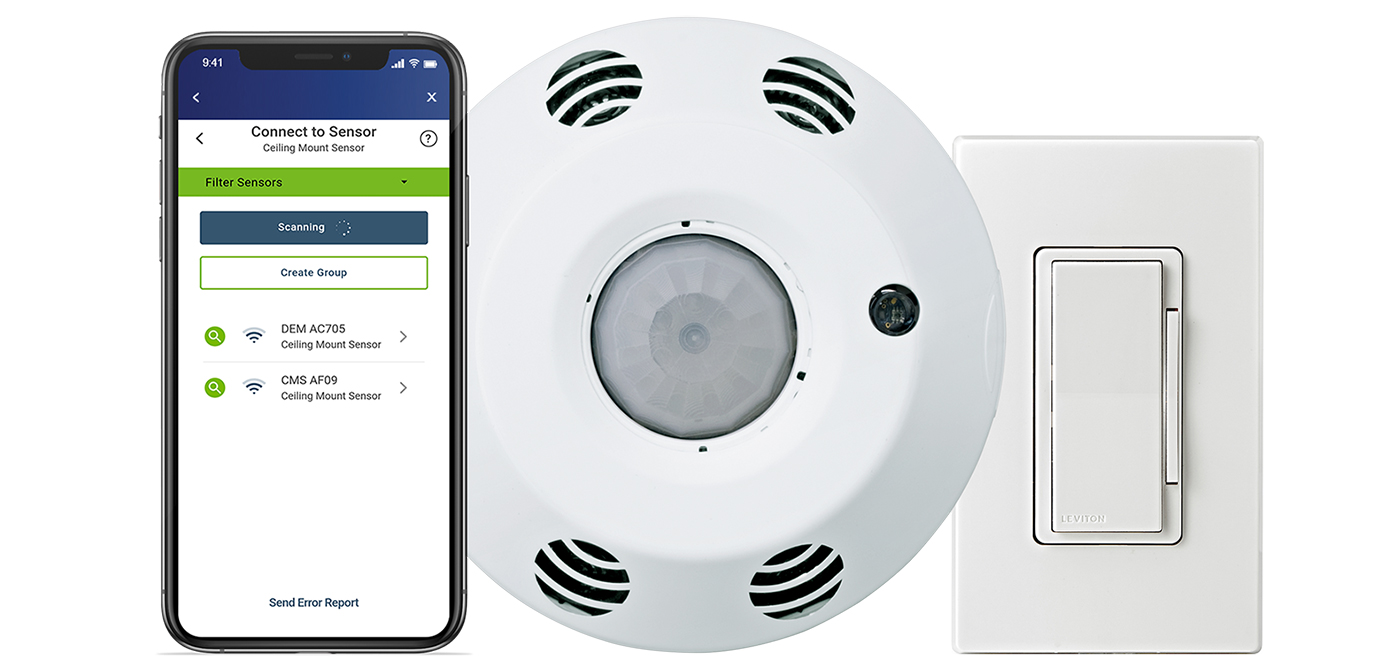
Smart Sensor App
use with the SRC or CMS to program controller with no ladders required. Configure advanced lighting controls, network up to 5 devices, create room templates to quickly program multiple rooms, and more.
2
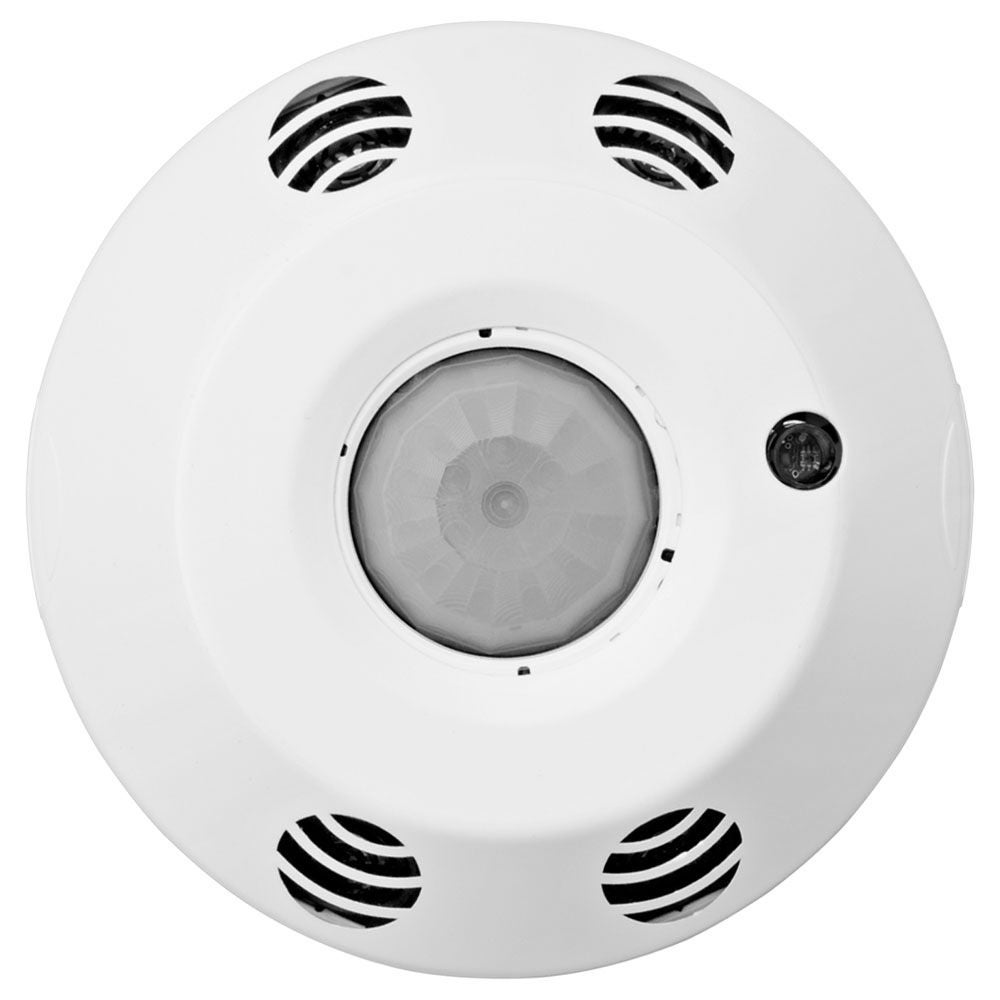
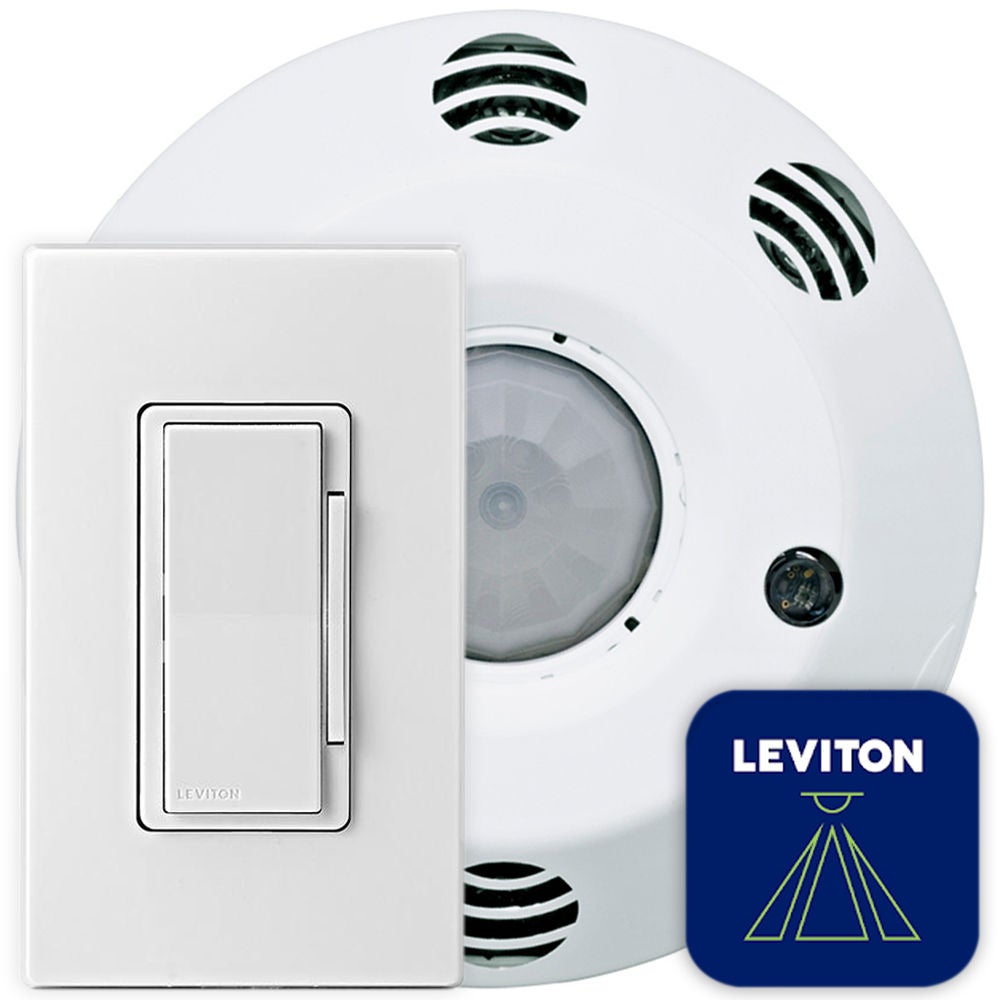
Smart Ceiling Mount Room Controller (SRC) and Smart Ceiling Mount Sensor (CMS)
easy standalone 0-10V dimming (SRC) or switching (CMS) and occupancy sensing and vacancy sensing control.
3
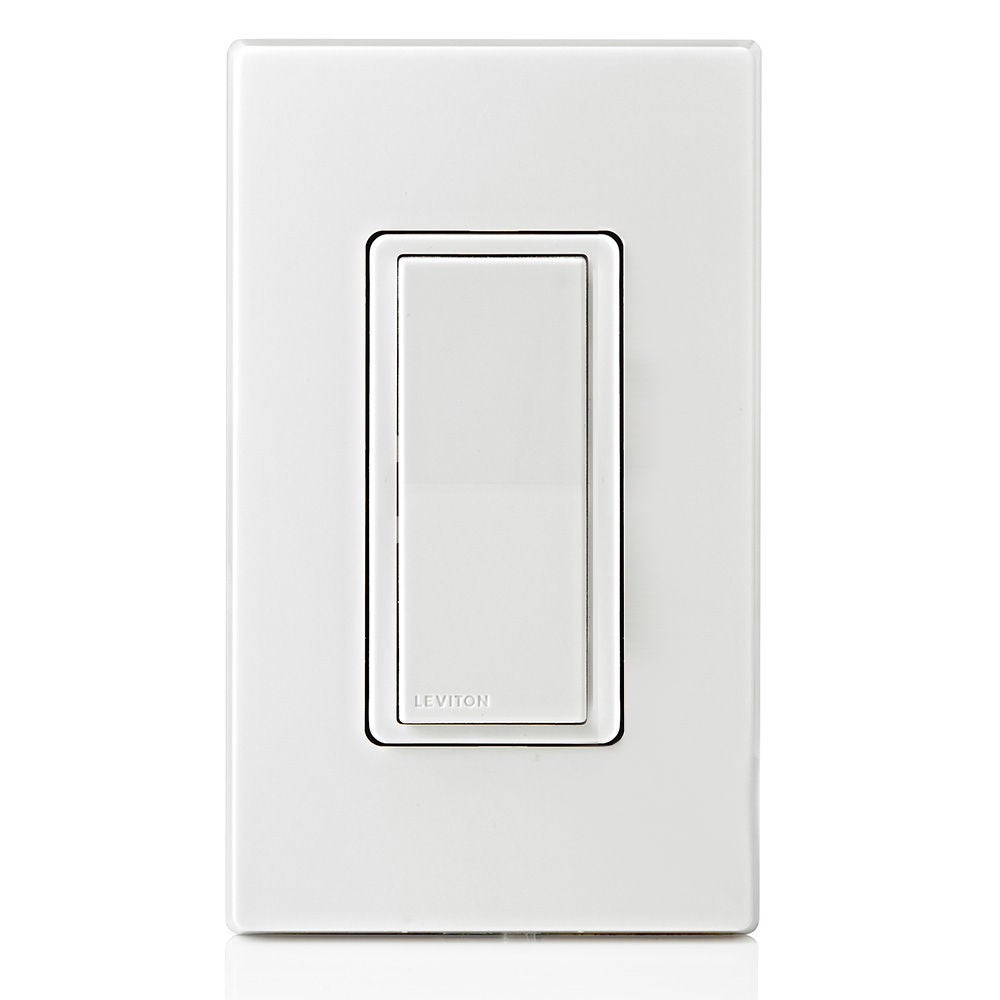
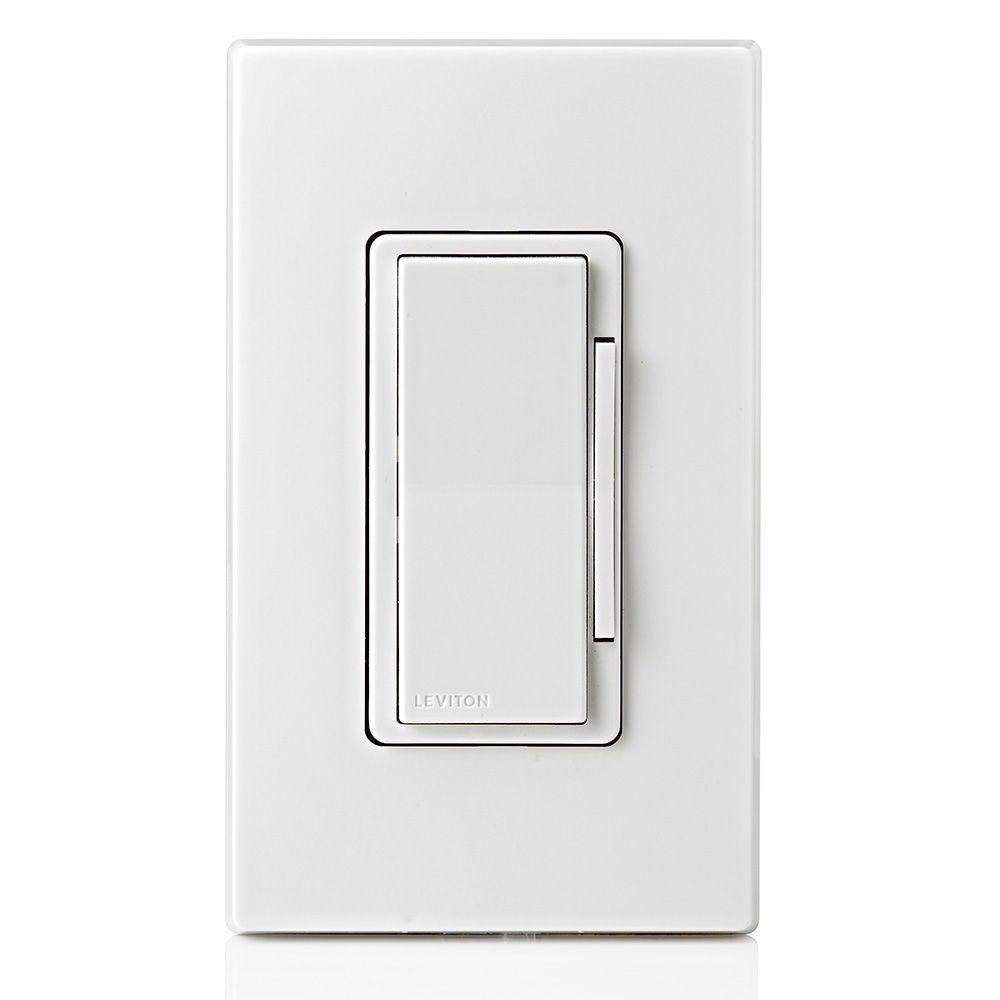
Wireless Companion Switch or Dimmer
use with the SRC or CMS for manual control.

Smart Sensors: Smart Ceiling Mount Sensors (CMS)

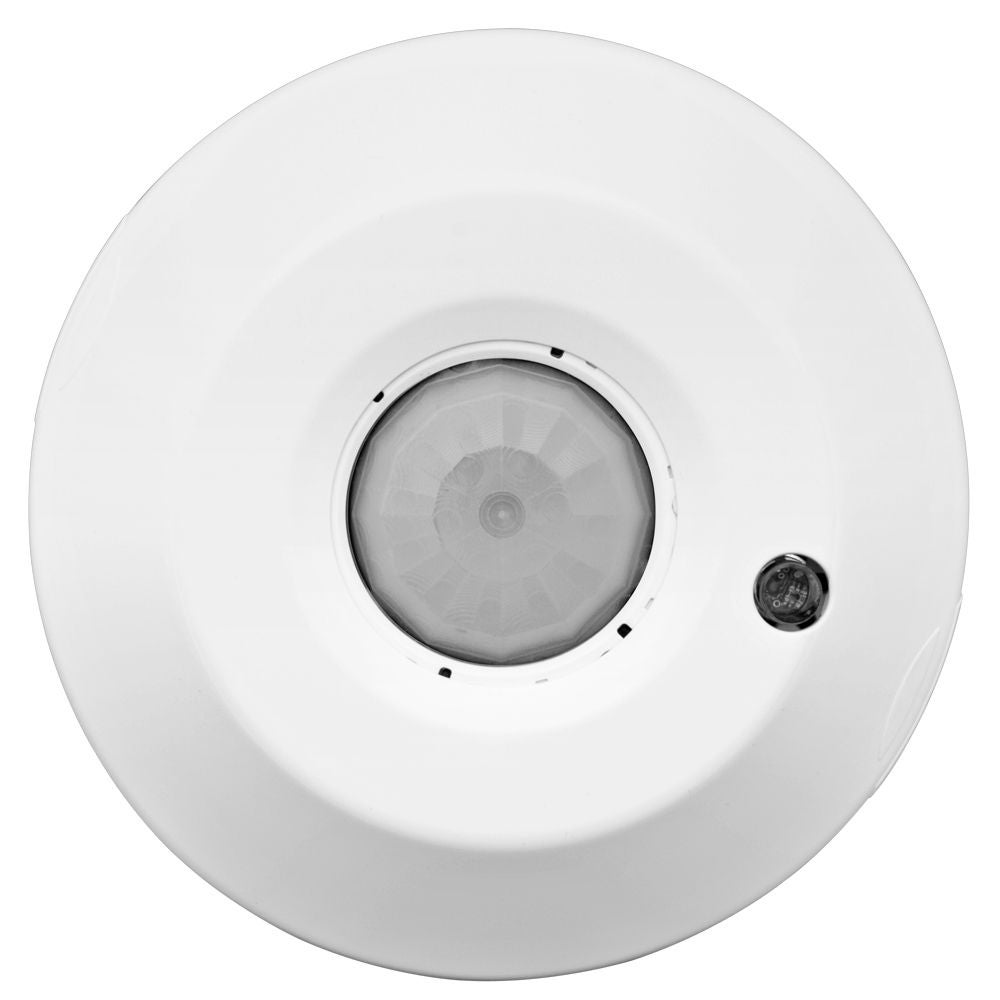
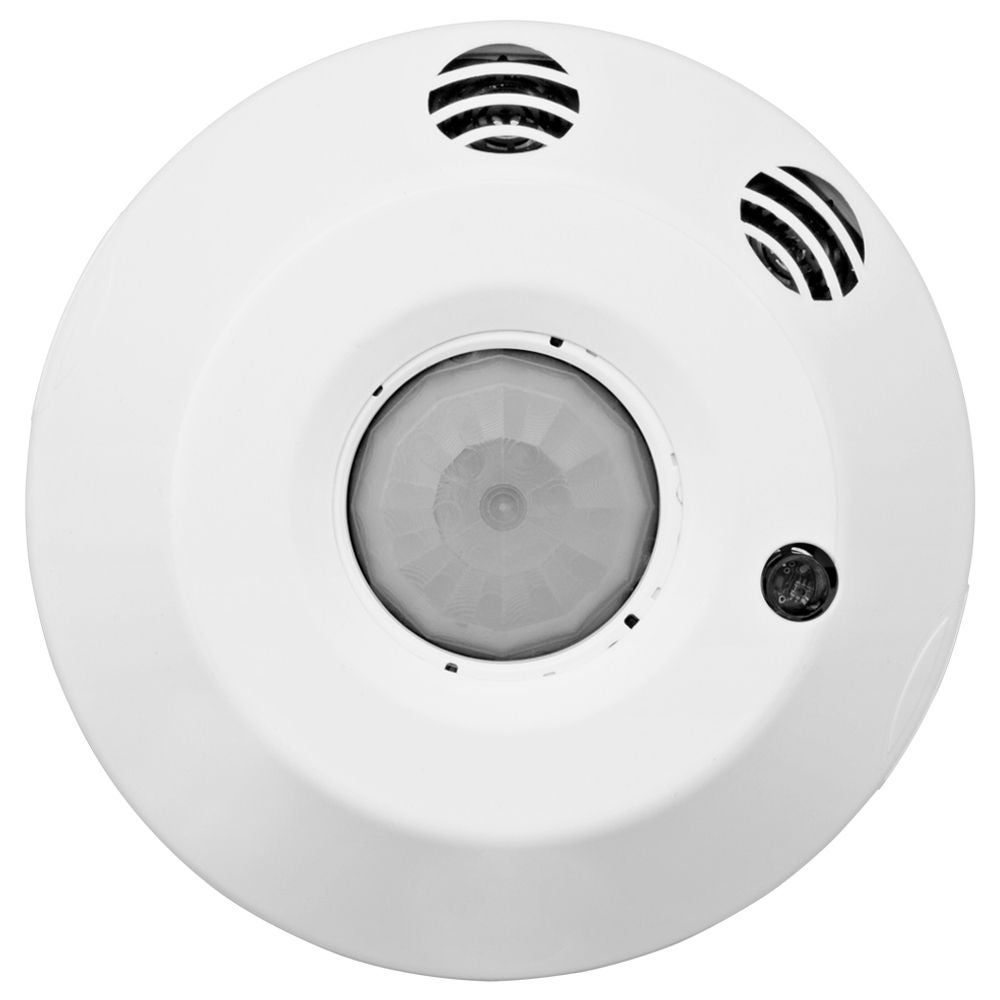
The Leviton Smart Ceiling Mount Sensors (CMS) offer high performance, code compliant, advanced room configuration in one easy-to-install device. Installers can download the Smart Sensor App for quick-and-easy room configuration and testing with any iOS or Android device. 

The CMS’s features meet advanced design requirements for standalone occupancy/vacancy sensing and ambient light hold-OFF applications offering easy configuration and operational testing for occupancy/vacancy sensing, options for one or two ambient light hold-OFF zones, area control, demand response, plug load or receptacle control, and UL924 emergency lighting.
Wireless Companion Switch, Dimmer, Keypads, and Glass Mounting Plate

The Wireless Companion Switch, Dimmer, and 4-Button Keypad pair wirelessly with the Smart Ceiling Mount Sensors (CMS) to provide a simple to install solution for wireless manual lighting control. The Wireless Companion Switch, Dimmer, and 4-Button Keypad can be mounted directly on wall surfaces, existing single or multi-gang wallbox, or glass surfaces using the WPN01 Glass Mounting Plate, no wiring required. The Wireless Companion Devices are the perfect solution for locations where a wallbox may not be located or locations where there is no wiring present.

Videos

Frequently Asked Questions

Yes, the CMS can be connected to a BMS to manage functions such as Demand Response (Title 24) and connect to Emergency system (UL 924).  The low voltage inputs need to be defined in the app so the sensor will know how to respond when it receives messages from BMS.

Yes, all zones can be independently controlled including the dual relay models.

The Wireless Companion Switches and Dimmers can be programmed to control a single relay, both relays in the dual relay models, and/or all devices that are paired together.

You can wirelessly connect up to four Wireless Companion Dimmers to one CMS.

Resources

Need assistance? We would love to hear from you!